Featured content
Free PDF Setup Guide
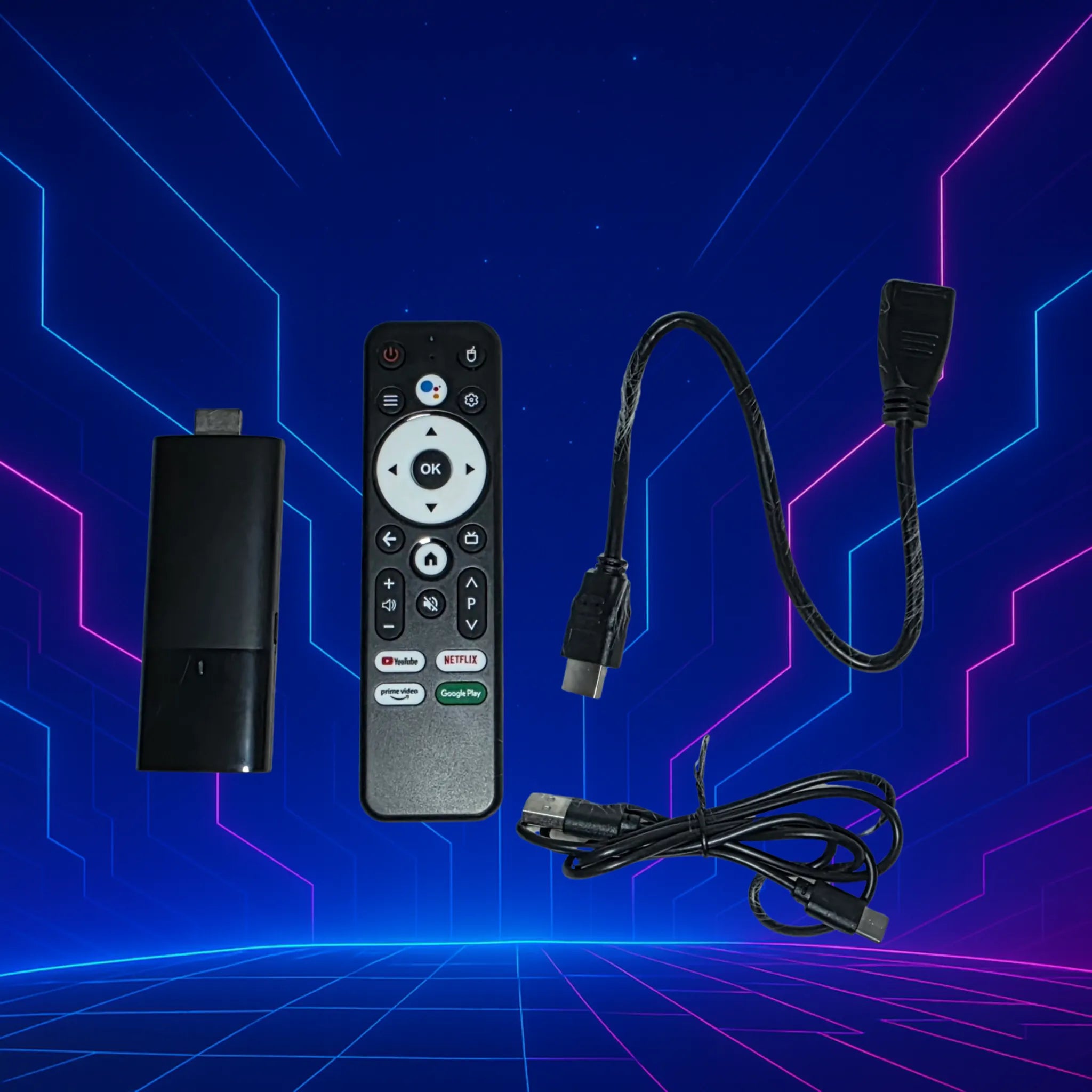
Each Pixen TV Stick includes a free step-by-step PDF setup guide and an easy YouTube tutorial, making it simple to get everything installed and ready to stream with ease.
Instant Access to All Your Favourite Apps
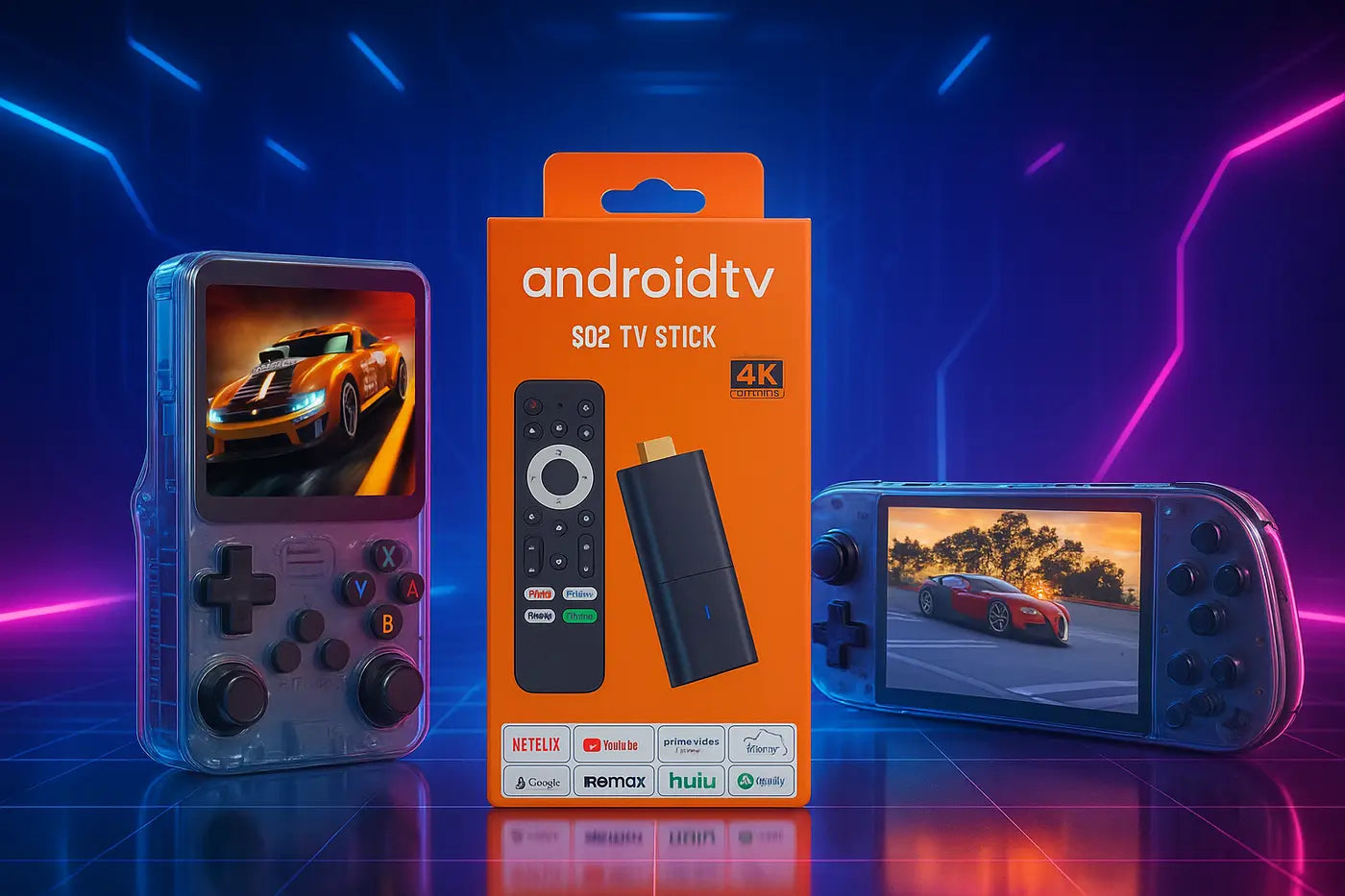
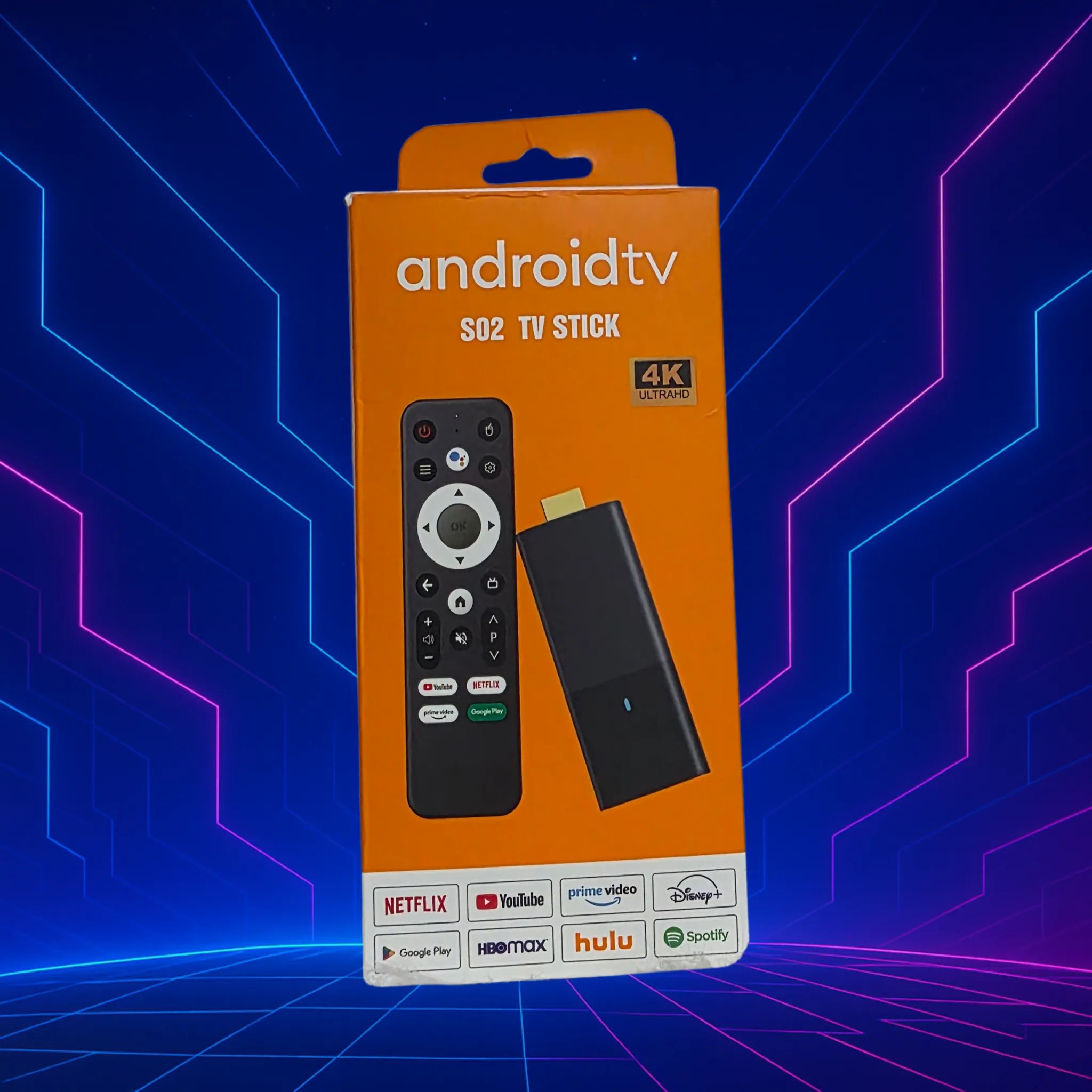
With Google Play Store built in, your Pixen TV Stick lets you download apps like Netflix, YouTube, Disney+, Kodi, IPTV players and more — all in seconds. No complicated setup, no restrictions.
10,000+ Games Built In
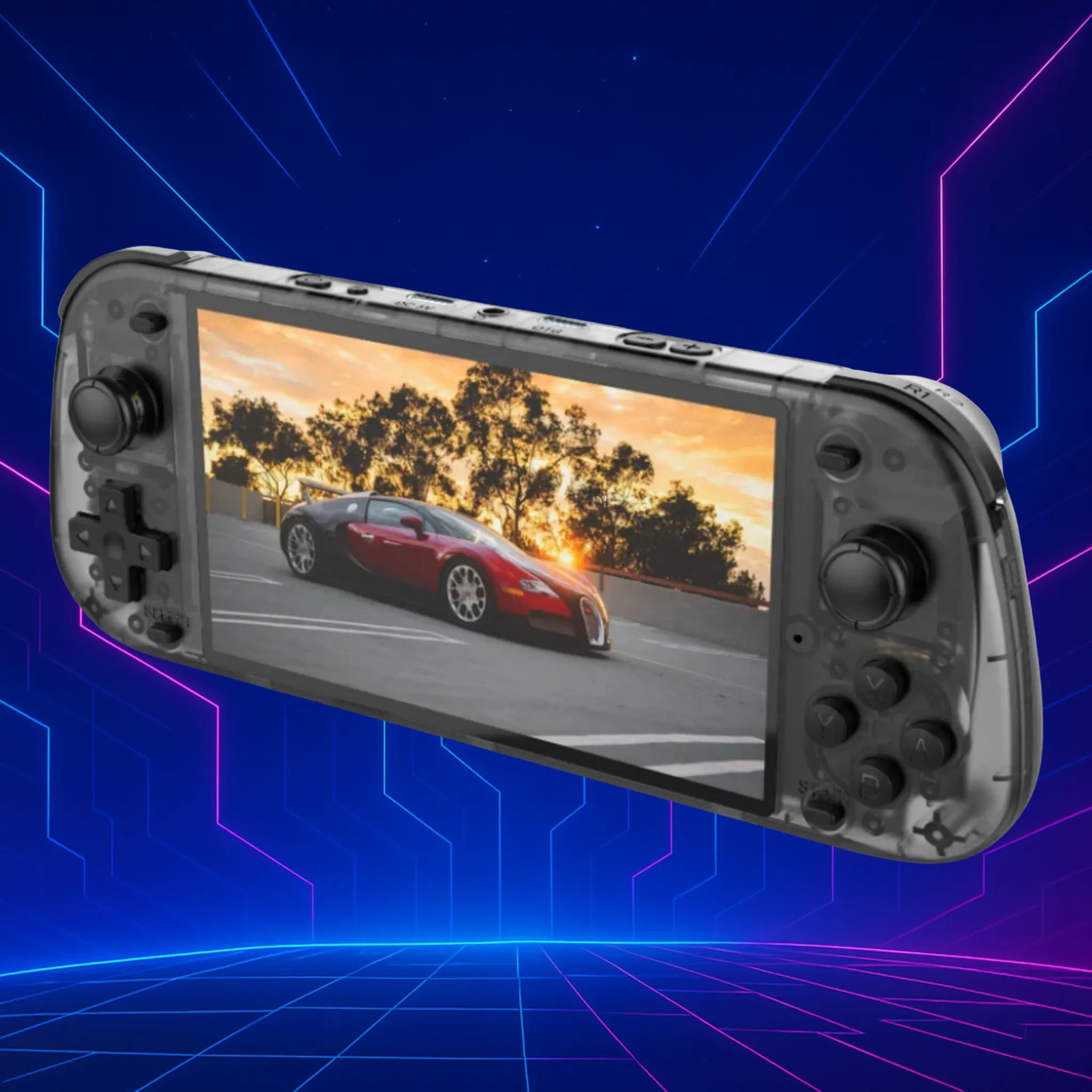
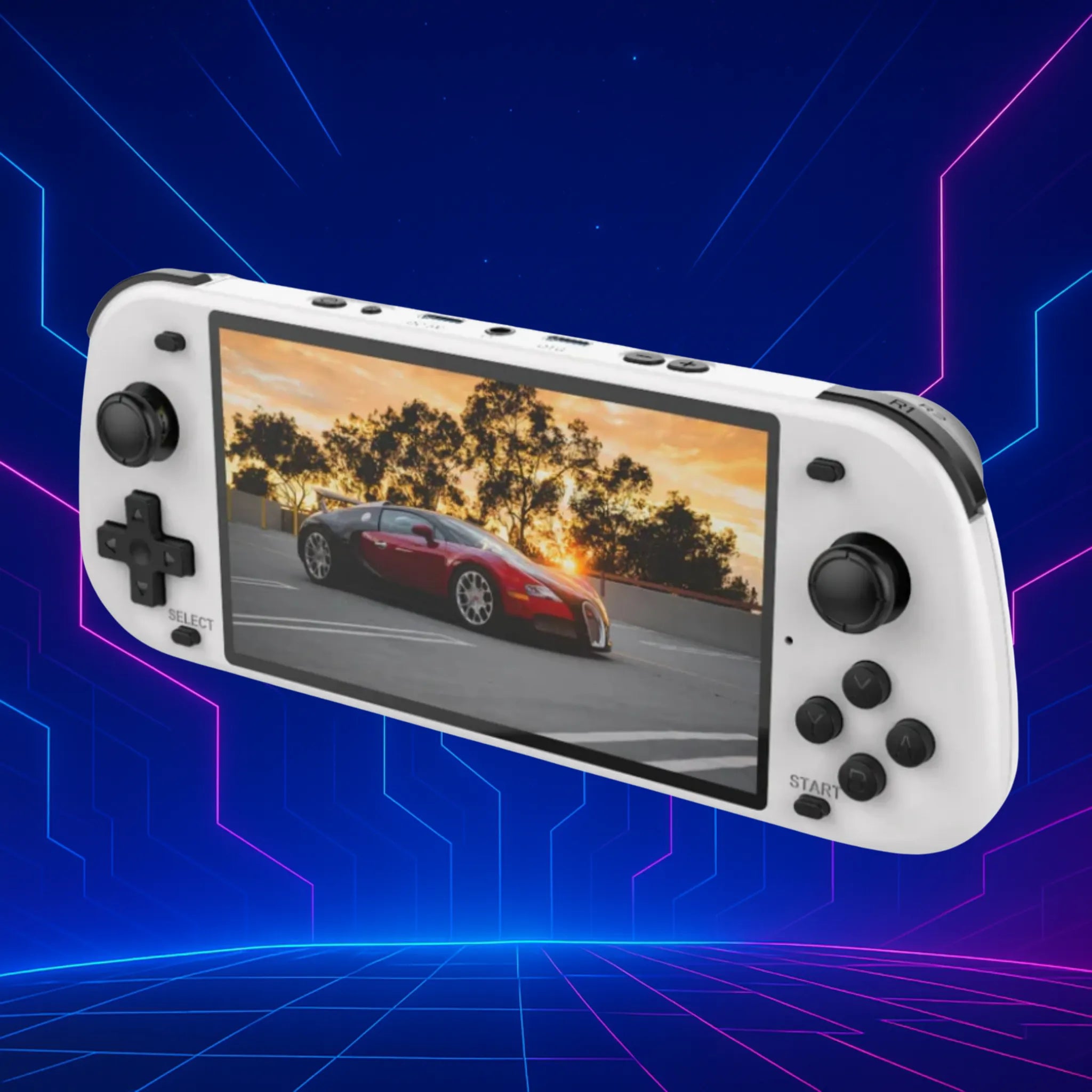
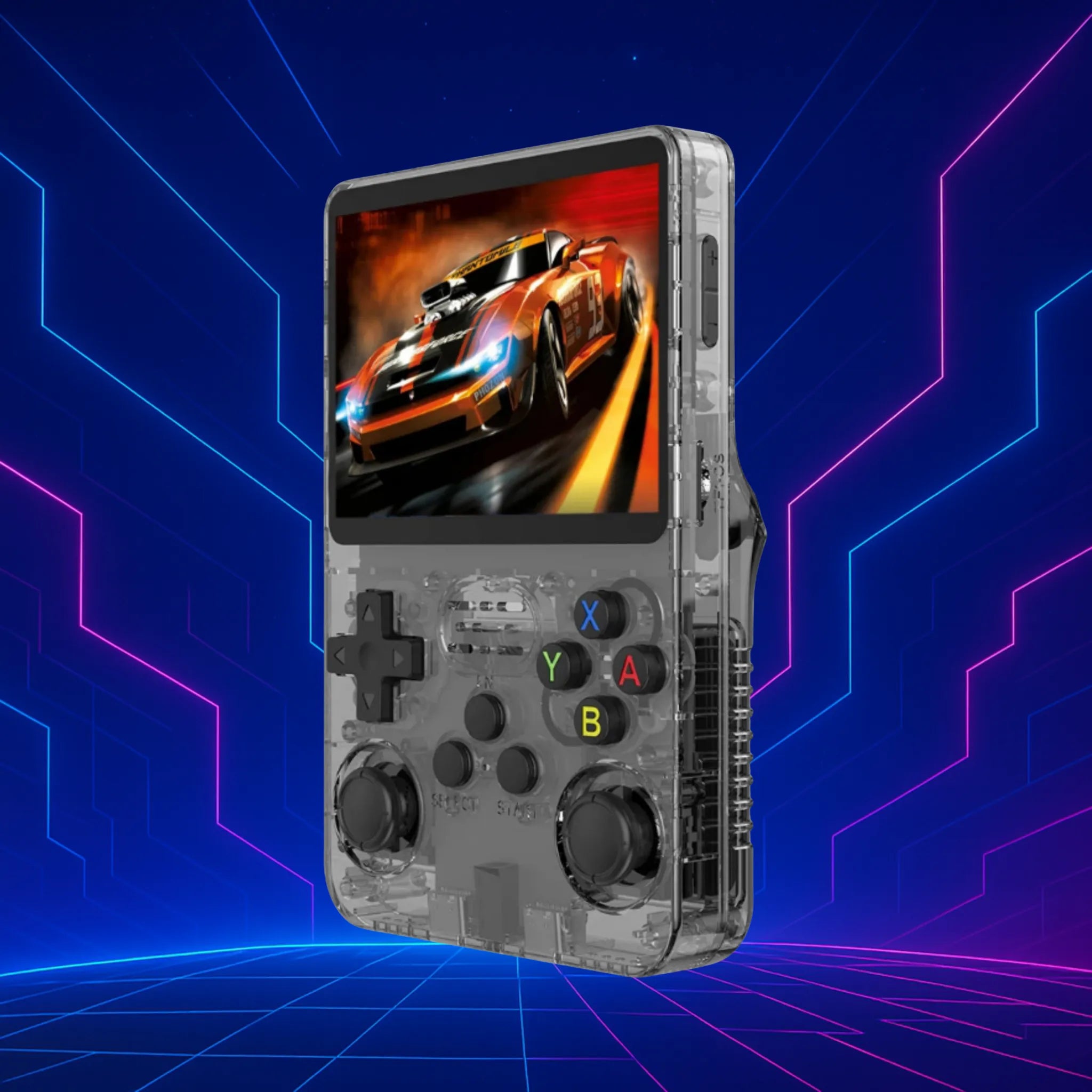
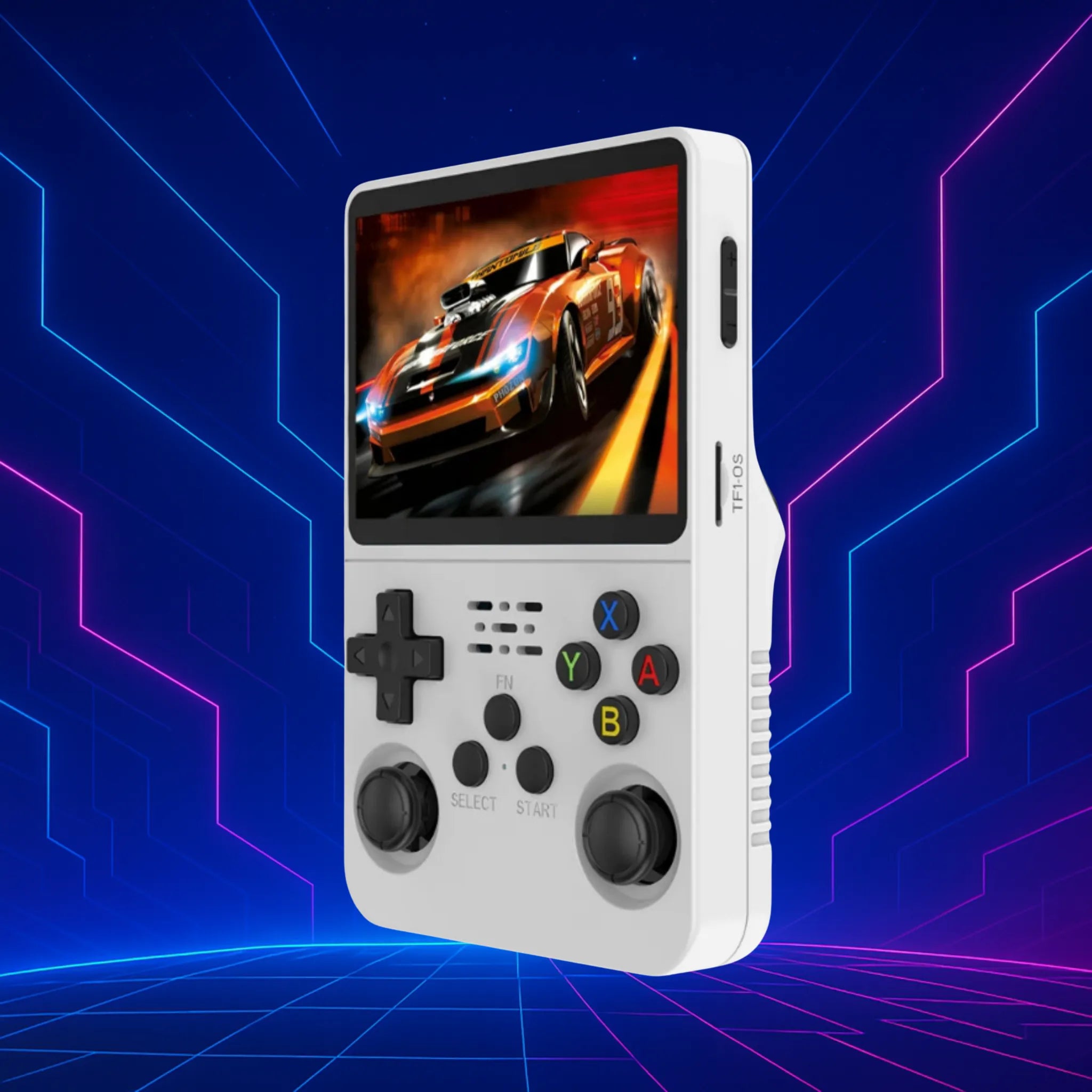
Jump straight into the classics with RetroPlay — no setup, no downloads. Just power on and enjoy Sega, Nintendo, PlayStation favourites in seconds.
Testimonials

Dylan Kerr
RetroPlay Pocket is honestly brilliant. It feels solid in your hands, the buttons are responsive, and the games run smoothly. It’s lightweight enough to take anywhere, but still feels well-made. Within minutes I was back playing all the classics I grew up with, and the nostalgia hit is unreal. No awkward setup, no faffing about — just switch it on and enjoy.

Emily Shaw
Absolutely love the Pixen Android TV Stick. Setup took minutes, the apps run smoothly, and the 4K playback is spot on. I’ve tried branded sticks before, but this one feels faster and way more flexible. It just works — exactly what I needed.

Thomas Reid
RetroPlay Max blew me away. I didn’t realise how much I missed the old favourites until I fired this up. The bigger screen makes a massive difference, and swapping between games is instant. It’s become my go-to device for winding down at night — proper addictive in the best way.